1
Upload two photos
One photo of the person, one photo of the place. A straight-on face shot with even light gives the closest likeness.
 AI Photo Combiner
Add person to photo
Upload a photo of the person and the photo you want them in. The AI re-renders the whole frame — matching light direction, perspective and shadows — so it looks like one camera took it, not a cut-out pasted on top.

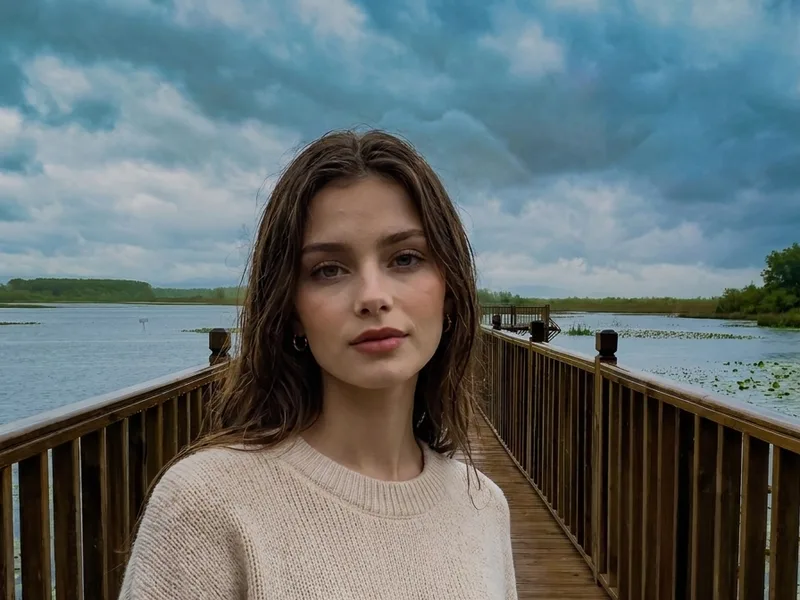
Before / After
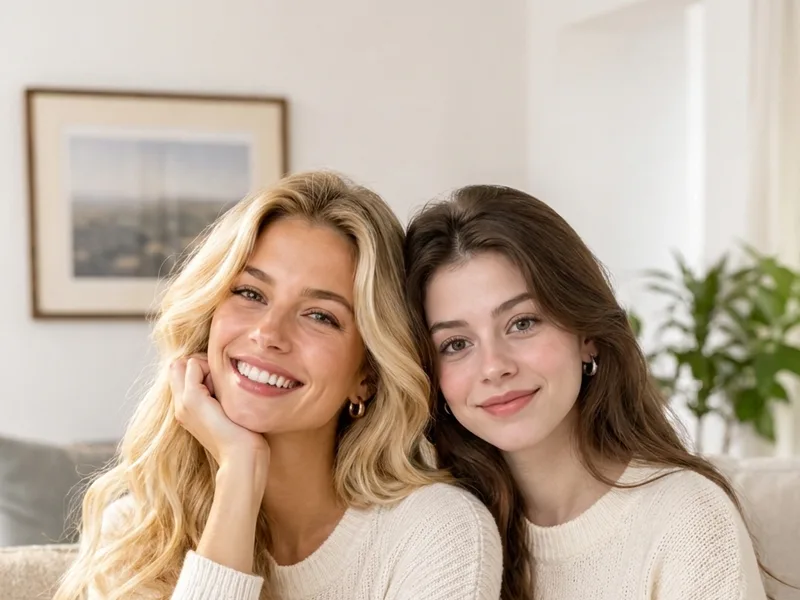
Three examples of adding one person, each with light, perspective and shadow matched.

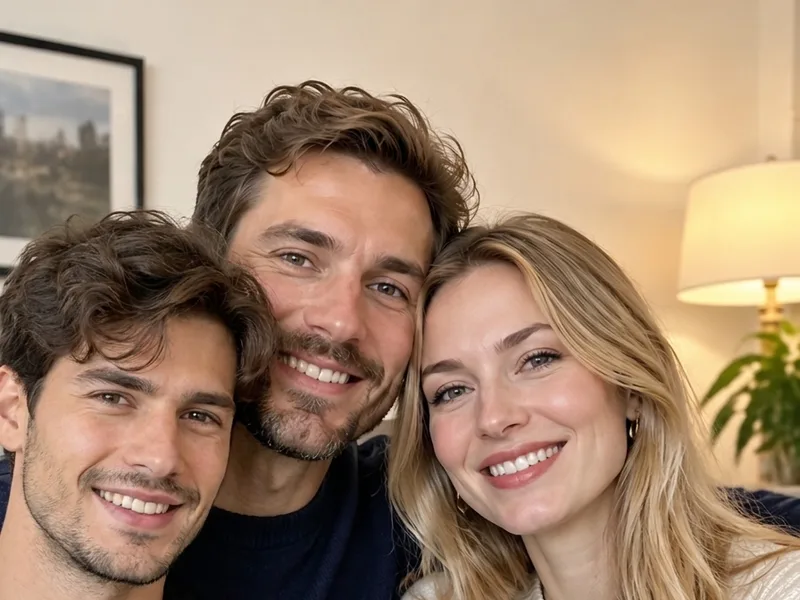


How it works
Upload, generate, then check the likeness and the shadow.
One photo of the person, one photo of the place. A straight-on face shot with even light gives the closest likeness.
The instruction is already written for this job — there are no presets to pick. If there is more than one person in the shot, name them by position and one visible detail, e.g. the woman in the red jacket.
You get one image per run. If the likeness or the shadow is off, change one sentence and run it again — a failed or blocked run is refunded automatically.
FAQ
No. A cut-out keeps the old lighting and leaves a hard edge, so the person looks pasted on top. Here the whole frame is re-rendered, and the person picks up the new scene’s light direction, perspective and contact shadow.
No. One clear, straight-on photo of the person is enough. The second image is the scene you want to place them in, not another photo of the same person.
That is the focus of this tool. The instruction tells the model to keep the face, hair and skin tone from Image 1 exactly as they are, and to rebuild only the surroundings around the person.
One run has two slots: one scene and one person. To add two people to the same photo, run it twice, or describe exactly who should be added and where.
Yes. The page runs in any phone browser with no app to install, and uploads go straight from your camera roll into the tool.
You can use 2 free images without signing in. Signing in once grants a one-time free allowance that tops you up to 5 free images in total. After that, image packs are a one-time purchase ($9.99 for 50 images, $29.99 for 200 images), there is no subscription, and free results carry no watermark.
No. You may only upload photos you have the right to use and that the person in them has agreed to. Using a result to impersonate someone is not allowed — this is a hard limit.
An even, unobstructed face at a decent resolution. Side profiles, sunglasses, low light and heavy filters all lower the likeness noticeably.
Pricing
Unused images are refundable; used images are not. Refund policy
Looking for something else? Back to AI image combiner.